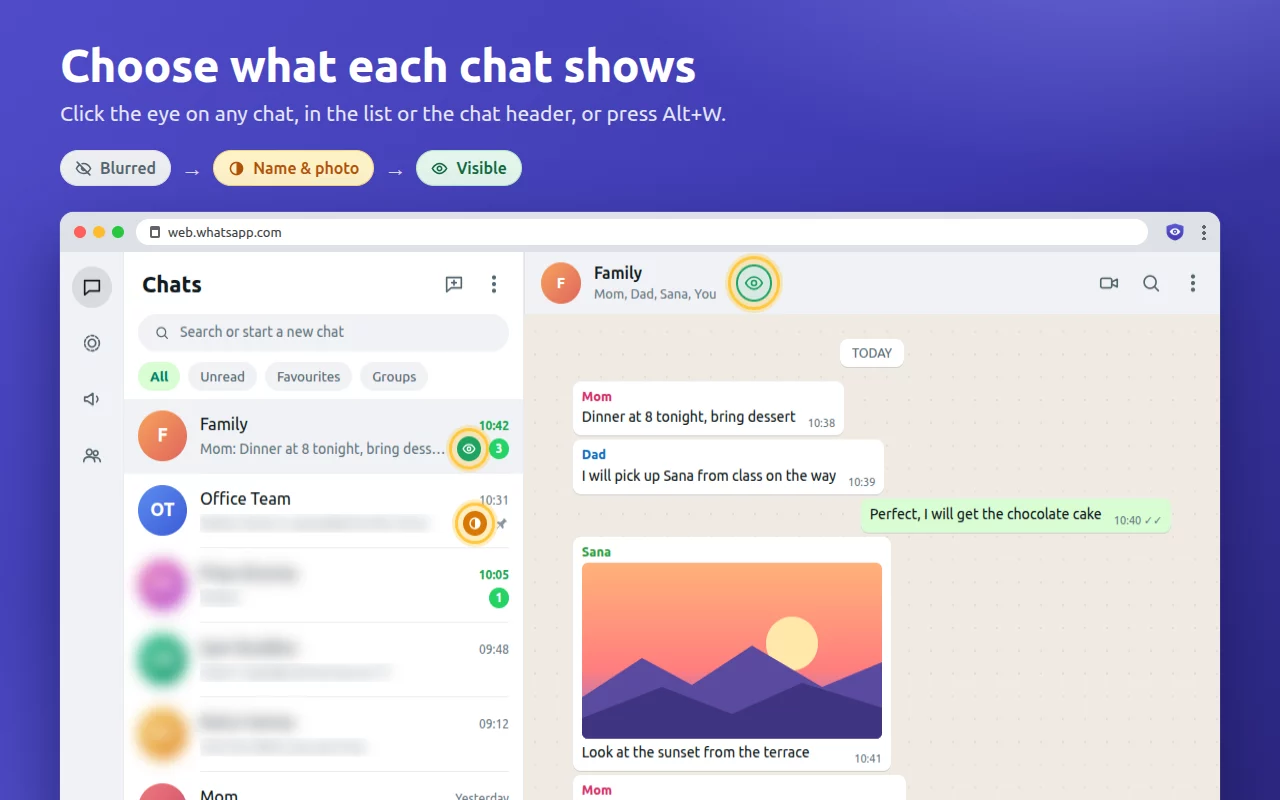
One click per chat
Every chat gets an eye button, in the chat list and in the chat header. Each click moves it one step:
BlurredName & photoVisible
Press Alt + W to do the same for the open chat.
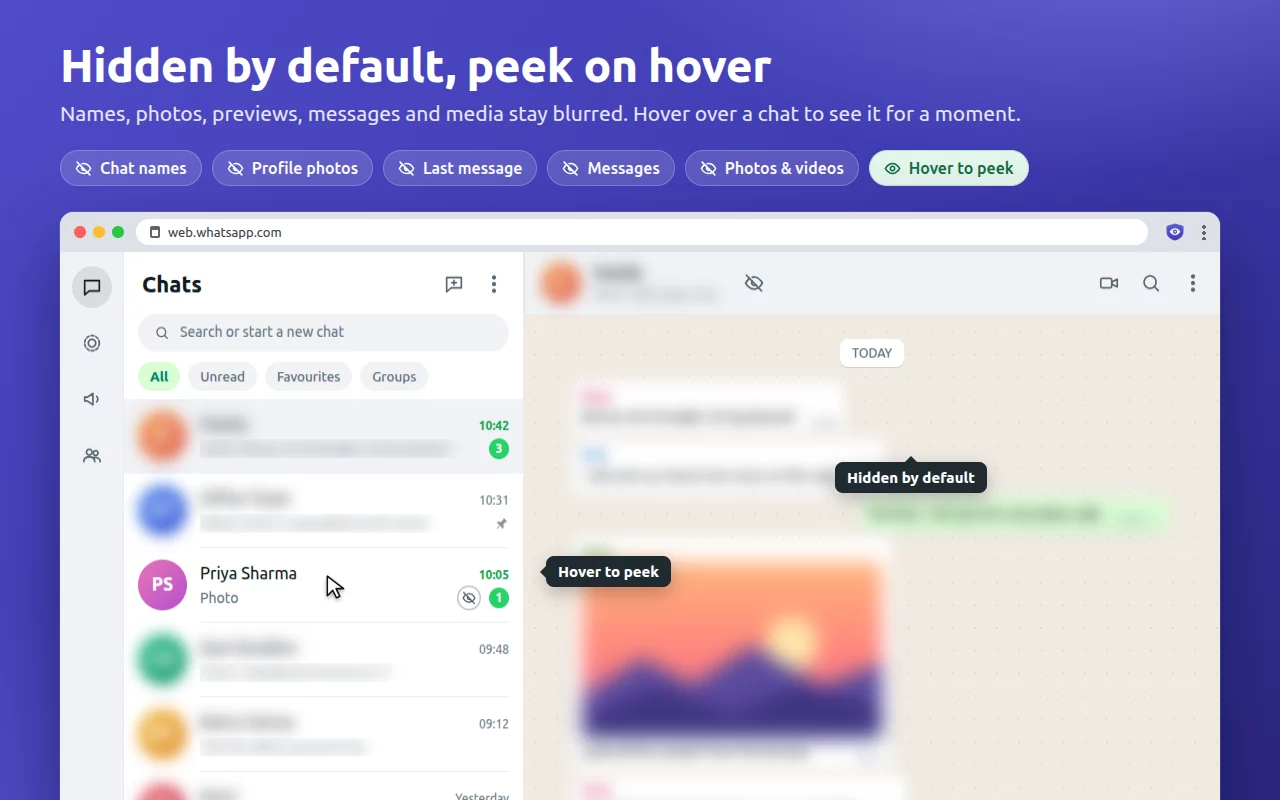
WA Privacy blurs chat names, photos, previews and messages so people nearby can't read them. Choose, per chat, what you want to see, and lock it all with a PIN.
Hover over a chat to read it. No account, no tracking, nothing leaves your browser.
Every chat gets an eye button, in the chat list and in the chat header. Each click moves it one step:
Press Alt + W to do the same for the open chat.
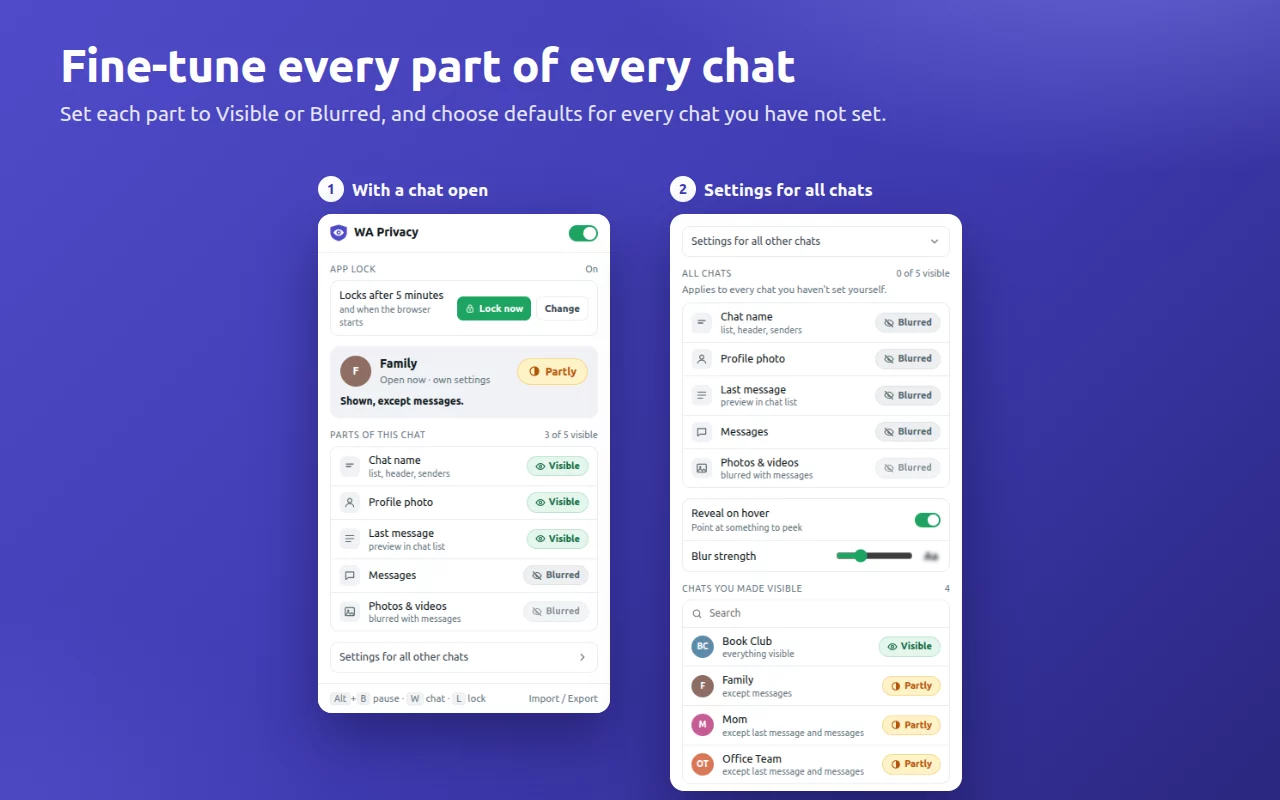
Decide separately for the chat name, profile photo, last message, messages, and photos & videos. Set a default for all chats, then give individual chats their own mix.
Blur strength is adjustable too.
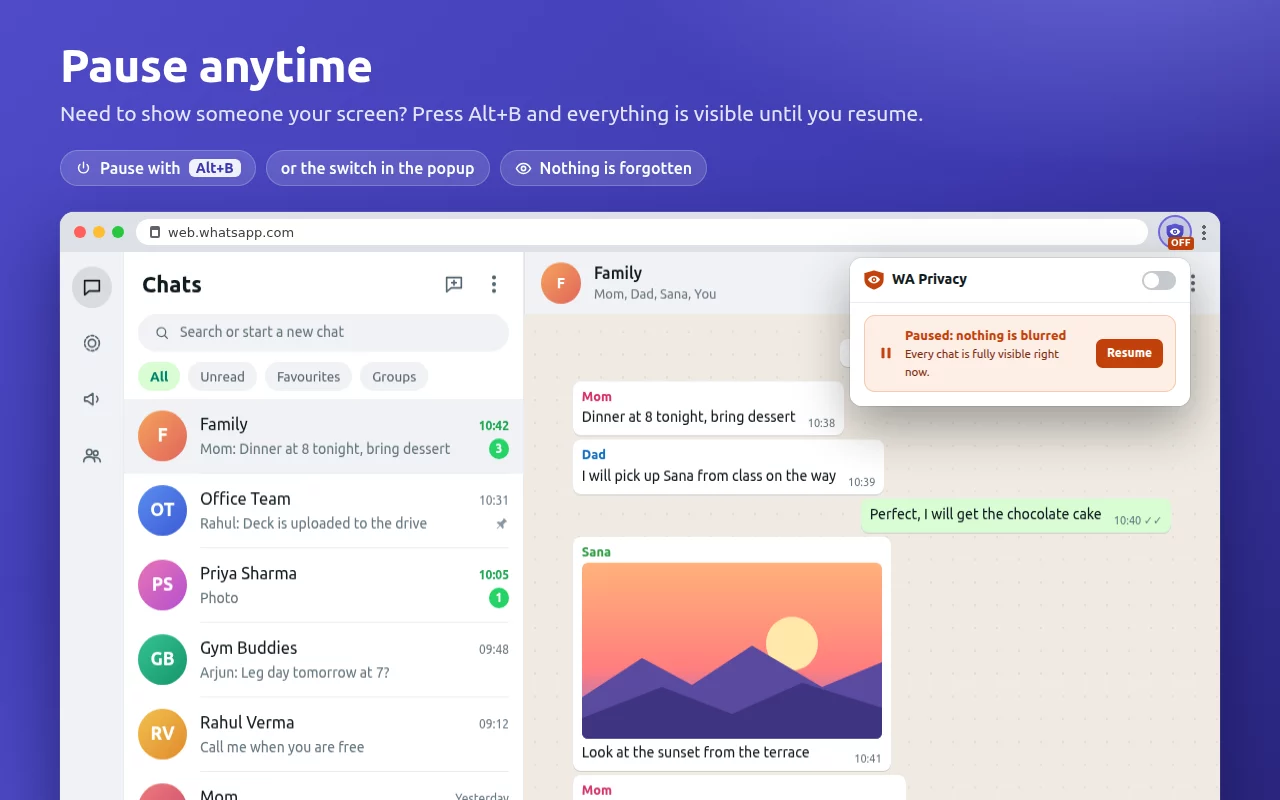
Turn blurring off everywhere with one click in the popup or Alt + B. Press it again when someone walks in.
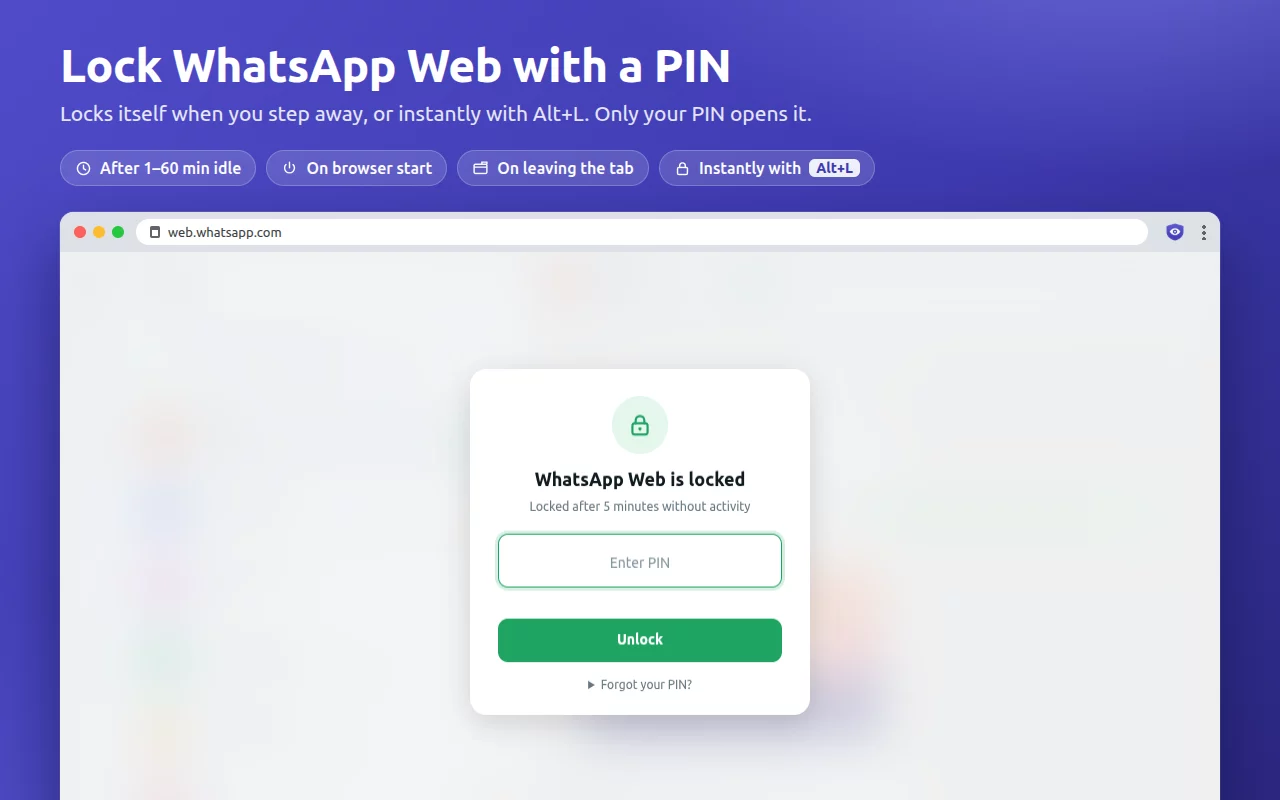
Cover WhatsApp Web with a PIN screen after a few minutes of inactivity, when the browser starts, when you leave the tab, or right away with Alt + L.
Only a salted hash of your PIN is stored, on this computer.
WA Privacy works entirely inside your browser. It has no servers to send anything to.